TEXTS & FONTS

Typography: Visual Identity

Text is one of the biggest things that shapes how your content feels.

Before someone even notices the editing, they usually notice the overall look of the screen, and your font choices play a huge role in that. The right text can make your content feel clean, elevated, feminine, bold, playful, polished, or premium. The wrong text can make even good content feel messy or cheap.

This section is all about building a visual identity through typography. Inside, I’m sharing my favorite CapCut fonts, where I find custom fonts, and the font combinations I love most for helping content visually match the feeling you want it to give.

My Favorite Fonts & Combos (Custom + Capcut)

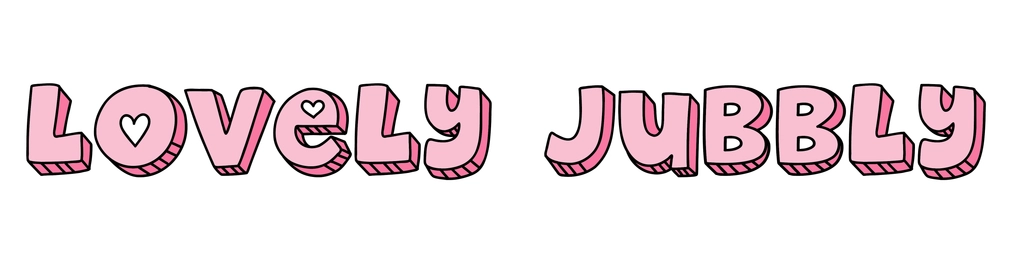
Font Name: Lovely Jubbly
Source: Envato Elements
Best for: Playful, feminine, storytelling content

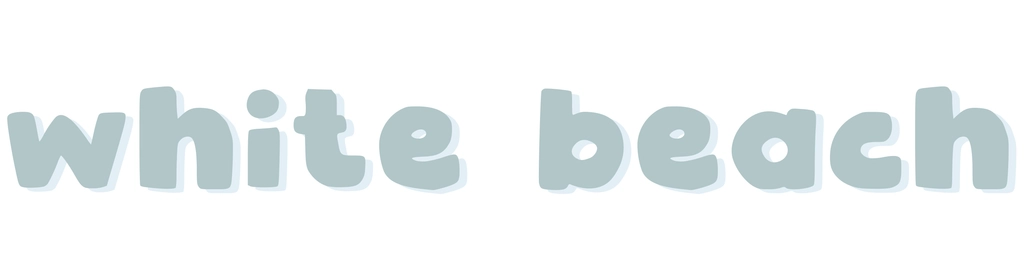
Font Name: White Beach
Source: Envato Elements
Best for: Headings, playful but clean

Font Name: Poppins
Source: CapCut
Best for: Subtitles, sub-headings, clean & simple

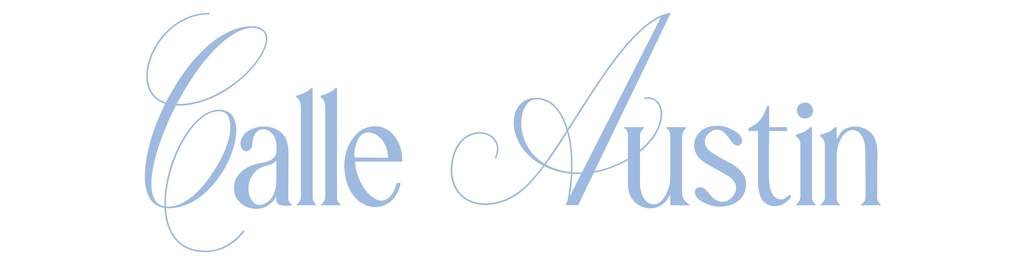
Font Name: Calle Austin
Source: Envato Elements
Best for: Elegant & classy title font

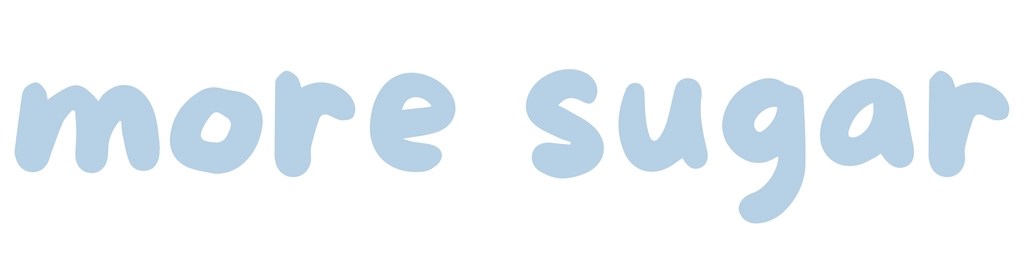
Font Name: More Sugar
Source: Envato Elements
Best for: Notes on screen, playful

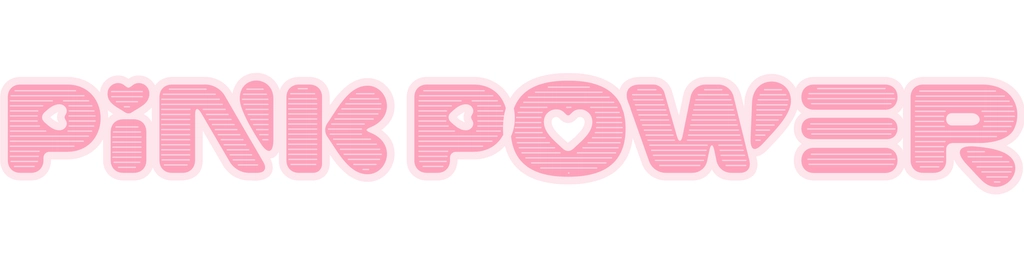
Font Name: Pink Power
Source: Envato Elements
Best for: Title

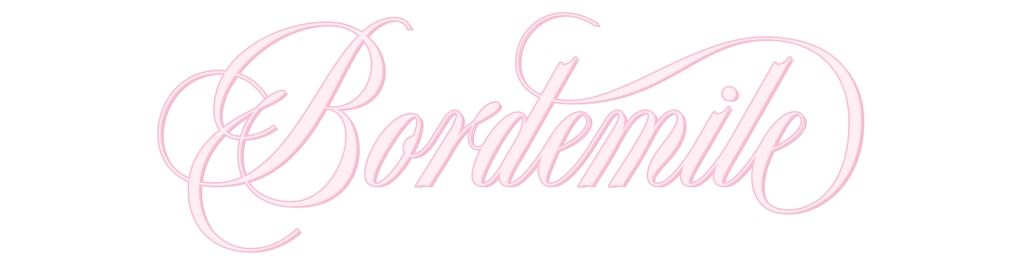
Font Name: Bordemile
Source: DaFont
Best for: Romantic titles, feminine intros

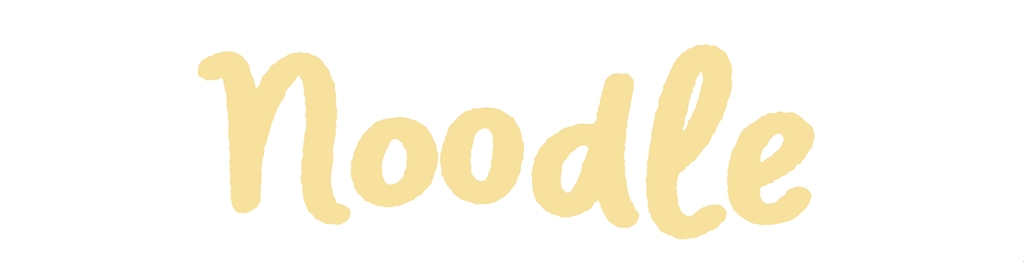
Font Name: Noodle
Source: CapCut
Best for: Playful notes, casual headi

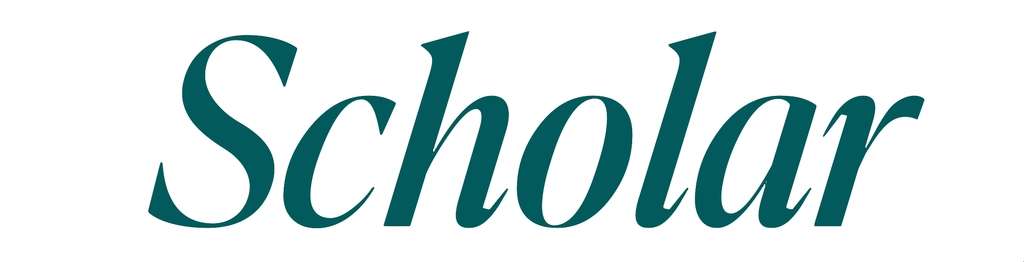
Font Name: Scholar
Source: CapCut
Best for: Editorial titles, classy headings

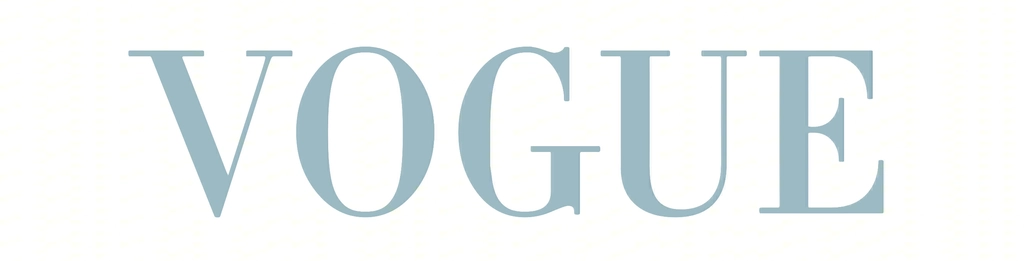
Font Name: Vogue
Source: CapCut
Best for: Fashion titles, luxury edits

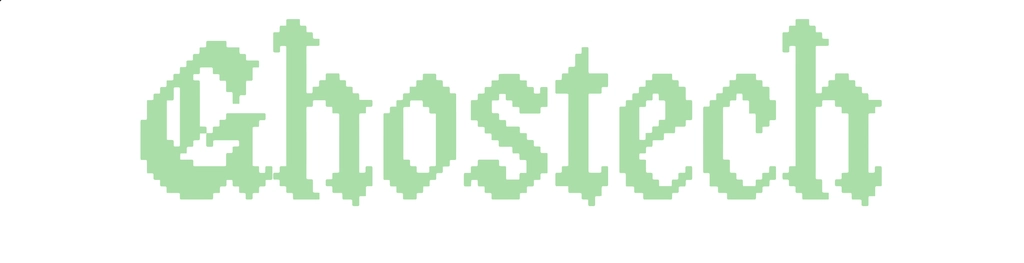
Font Name: Ghostech
Source: CapCut
Best for: Retro, pixel notes, playful tech

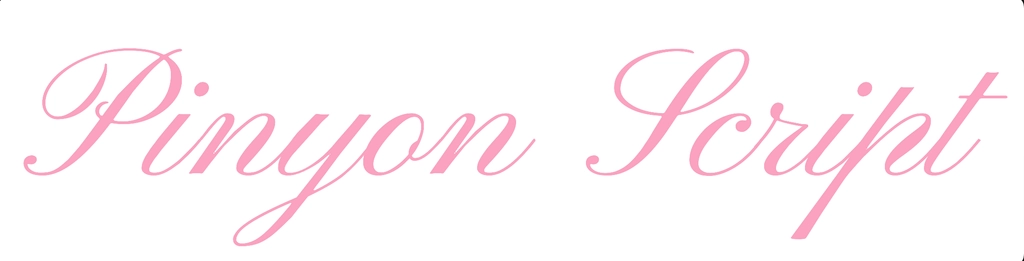
Font Name: Pinyon Script
Source: CapCut
Best for: Elegant, feminine titles

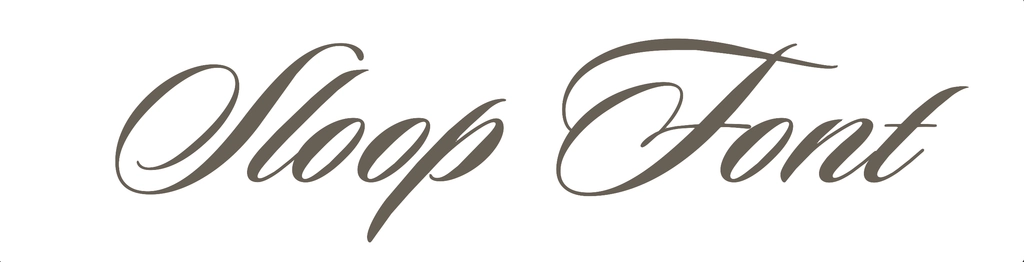
Font Name: Sloop Font
Source: CapCut
Best for: Luxury script titles, romantic intros

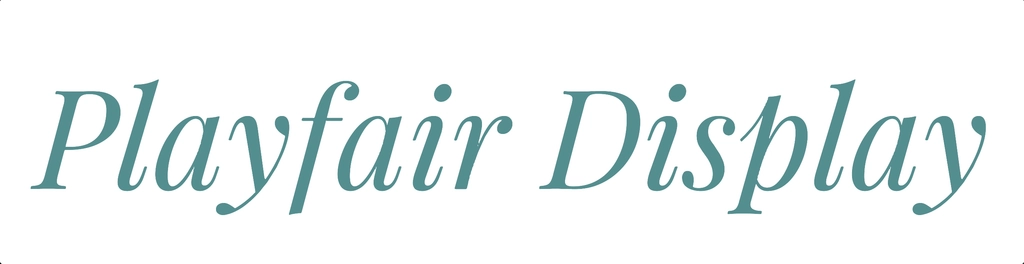
Font Name: Playfair Display
Source: CapCut
Best for: Luxury & fashion, classy subtitles

Below are some of my favorite fonts combinations to use:

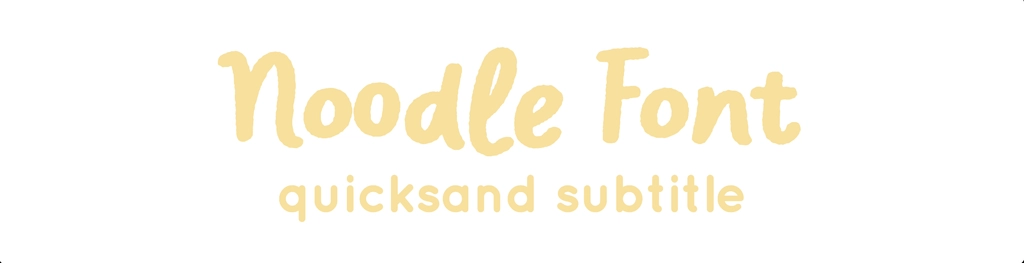
Font Name: Noodle & Quicksand

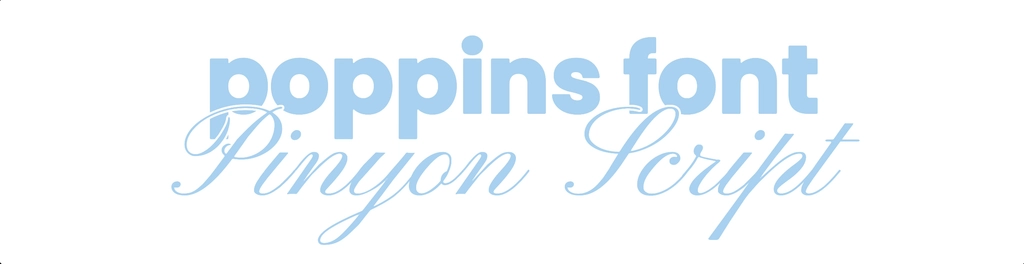
Font Name: Poppins & Pinyon Script

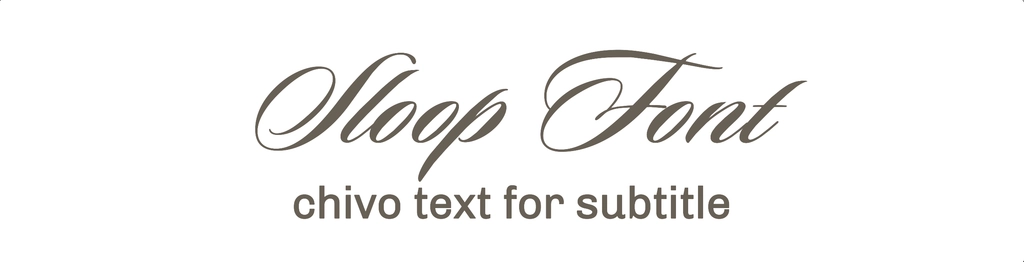
Font Name: Sloop Font & Chivo

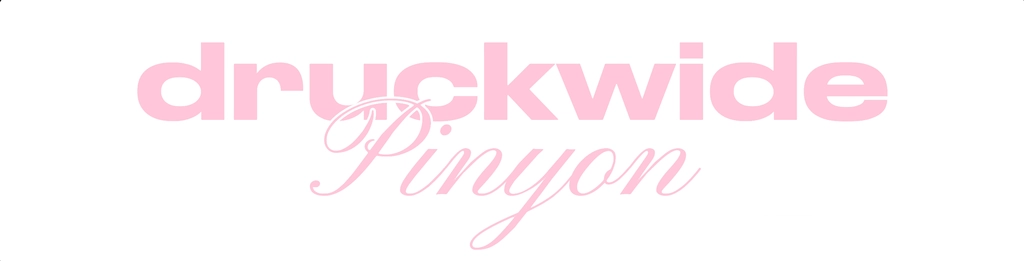
Font Name: Druckwide & Pinyon

Custom Fonts: How to Find Them & Add Them to CapCut

If you want your content to feel more unique and more branded, custom fonts make a huge difference.

Built-in fonts are great, but custom fonts help your content stand out and give it a stronger identity. This is especially useful if you want your videos to feel more premium, recognizable, or aligned with a specific aesthetic.

Where I find custom fonts

  • Free websites: Use these free font websites when you want more variety without paying:
    • DaFont
    • Fontshare
    • Open Foundry
  • Paid websites: Use paid font websites when you want higher-quality options, more unique styles, or a more polished brand feel:
    • Envato Elements
    • Creative Market
    • Adobe Fonts

How to add custom fonts to CapCut

Watch the video tutorial below to learn how to download and add custom fonts into CapCut:

My Advice When Using Text in Content

Text should not just be pretty. It should help guide the viewer’s attention.

Good text can:

  • make a hook hit harder
  • make a video feel more branded
  • create visual rhythm
  • emphasize the right words
  • make the content easier to follow

When I choose fonts, I’m not just thinking about what looks nice. I’m thinking about what supports the mood of the video and what makes the content feel the way I want it to feel.

Table of Contents

Locked

Unlock This Section

This section includes downloadable assets, video tutorials, and strategies you can use directly in your content.
Unlock full access to continue.

Get Full Access