
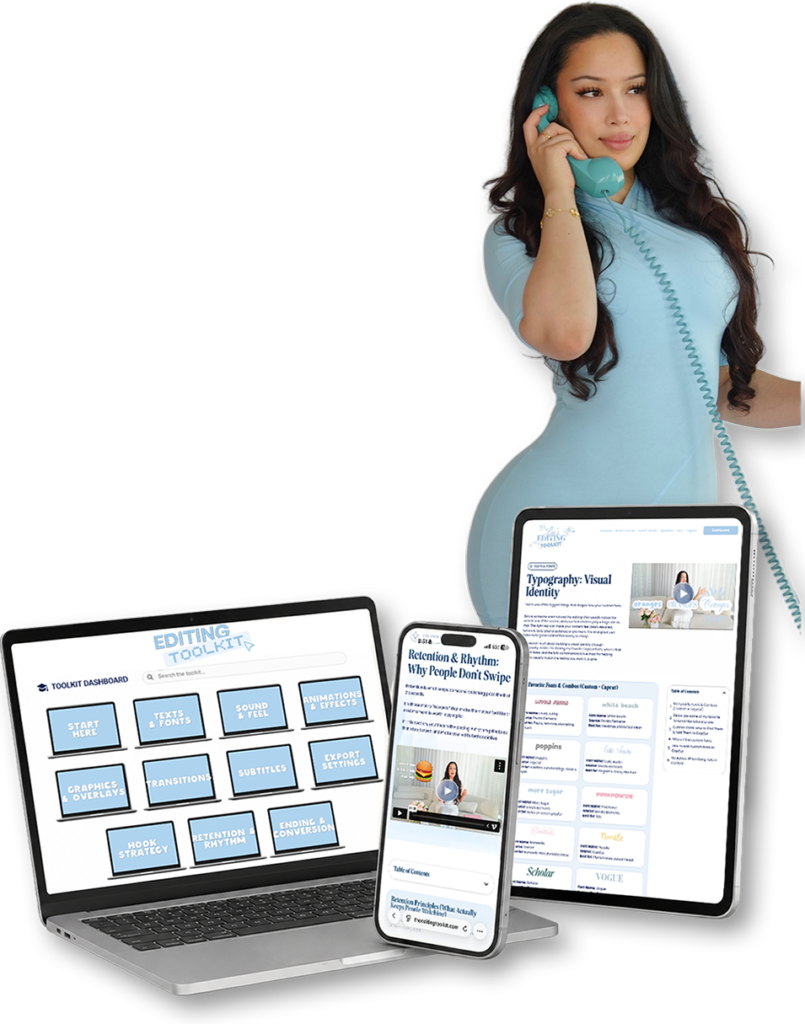




Hundreds of viral videos
Studied frame by frame
Two years of testing.
Most of it failed.

But what worked kept working
Until I had

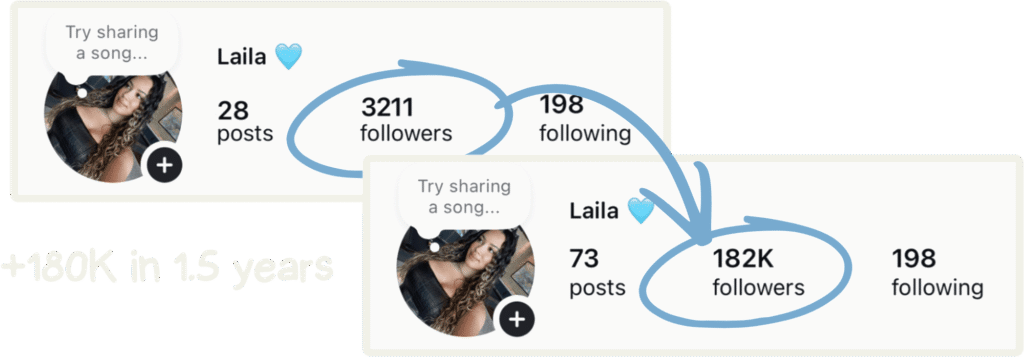

so posting stops feeling like a bet you keep losing.

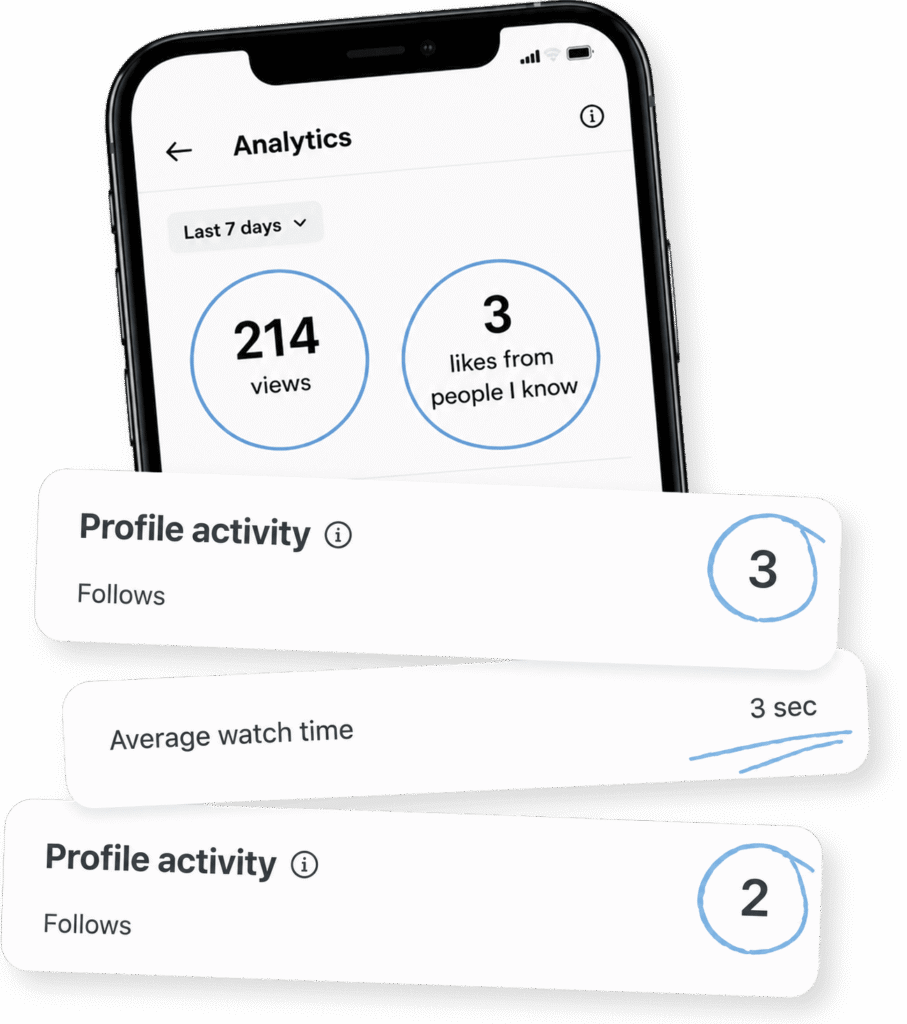
so your likes stop coming only from people you know.

so you never give a whole evening to a video that dies at 214 views

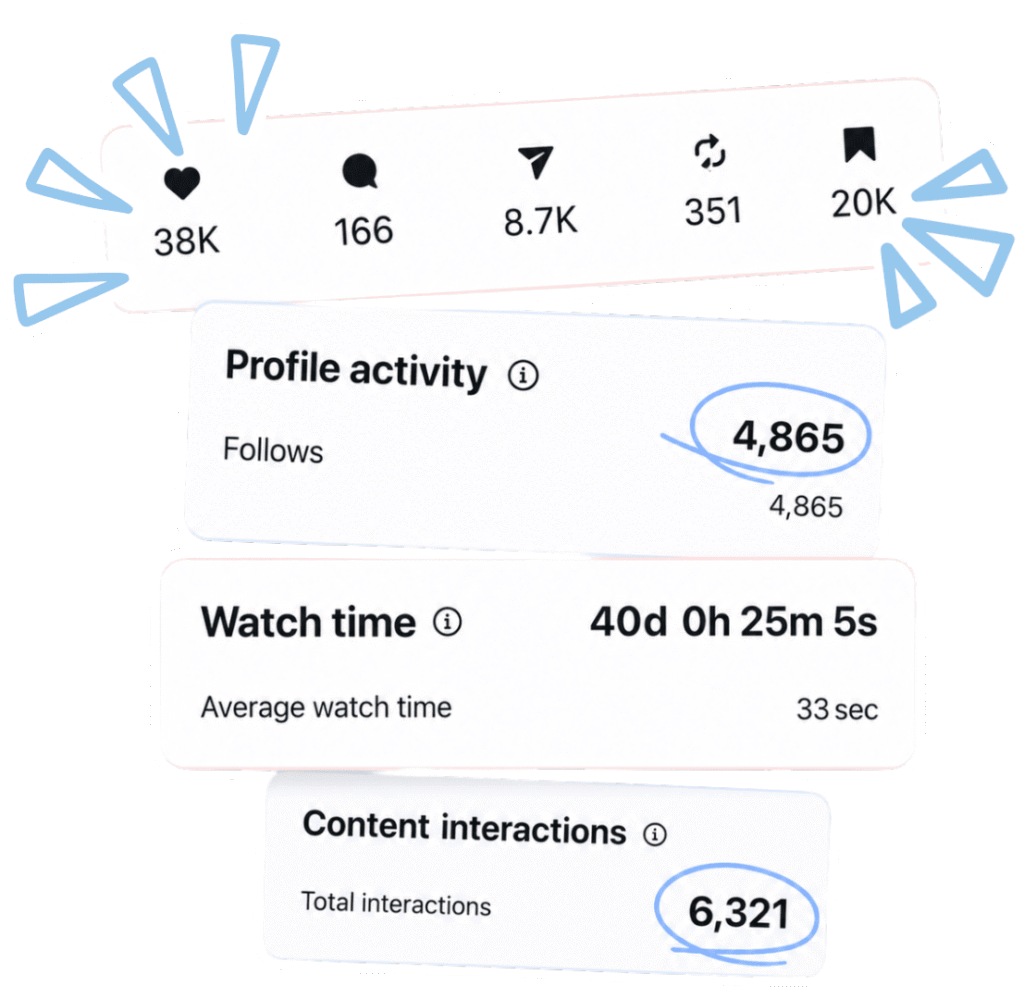
so refreshing your analytics becomes the best part of posting.
 15+ video lessons. The full system from first hook to final export. 22+ tutorials for my signature edits, step by step. 40+ downloads: fonts, sounds, overlays & templates – ready to use in your videos. New tutorials every month, included free. Lifetime access: No subscription, ever
 You send me one of your videos. I analyze it second by second: what’s working, what isn’t, and exactly how to fix it. I help you pick which video to send, so the feedback teaches you the most. You leave with a fix list you can apply to every video after it, not just that one. 4 weekly calls with me: Breakdown, Style, Review, Plan Forward. We build your system on your content. Direct access to me between calls: send edits, hooks & questions all month. Everything you post that month, reviewed: refined in real time, not in theory. A 90-day plan to leave with: So the growth continues without me.